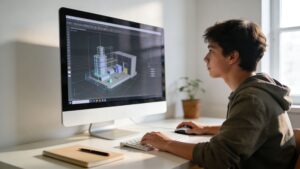
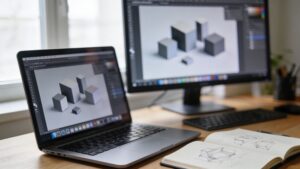
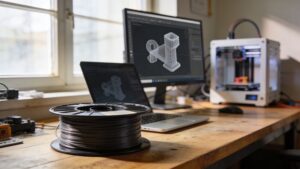
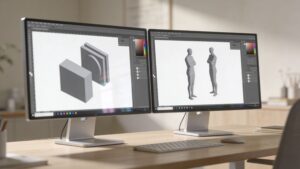
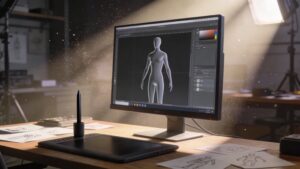
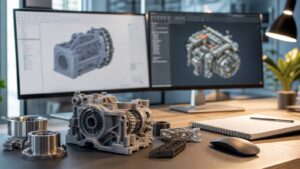
3D Modeling Software is where every 3D print on 3DPrinting Street truly begins. This is your digital workshop—where sketches become parametric parts, sculpted characters, mechanical assemblies, and print-ready scenes. In this sub-category, we explore the tools that power it all: from beginner-friendly modeling apps to full-blown CAD suites, sculpting tools, and browser-based creators. You’ll learn how to think in solids, surfaces, and meshes; when to use parametric constraints versus freeform sculpting; and how to keep your designs watertight, manifold, and ready for slicing. We’ll walk through workflows for hobby makers, product designers, and educators—covering everything from basic primitives to advanced assemblies, modifiers, booleans, and topology cleanup. Expect side-by-side comparisons, keyboard-boosting shortcuts, and real examples that follow a model from concept to printer. Whether you’re designing phone stands, cosplay armor, robotic parts, or intricate art pieces, our 3D Modeling Software hub helps you choose the right tool, learn faster, and avoid painful “non-manifold” surprises. Dive into the articles, fire up your software, and start shaping the geometry your printers are waiting for.
A: Not at all. Many powerful tools are free or low-cost and are perfect for 3D printing projects.
A: Look for intuitive interfaces, good tutorials, and simple export to STL or 3MF formats.
A: CAD is dimension-driven and precise; sculpting is more like digital clay for organic shapes.
A: Run mesh checks, repair tools, and a quick test slice to look for gaps, errors, or strange toolpaths.
A: Yes, but meshes may need cleanup before editing; some tools are better at this than others.
A: Check tolerances, scaling, and printer calibration; adjust clearances in your model and reprint test parts.
A: Usually slicers handle supports, but custom supports can help for tricky overhangs or fine details.
A: Detail is limited by printer resolution and nozzle size; tiny features may need to be exaggerated.
A: Many tools support cloud projects, shared files, and version control for team workflows.
A: Begin with our 3D Modeling Software articles, follow a beginner tutorial, and recreate simple everyday objects.