
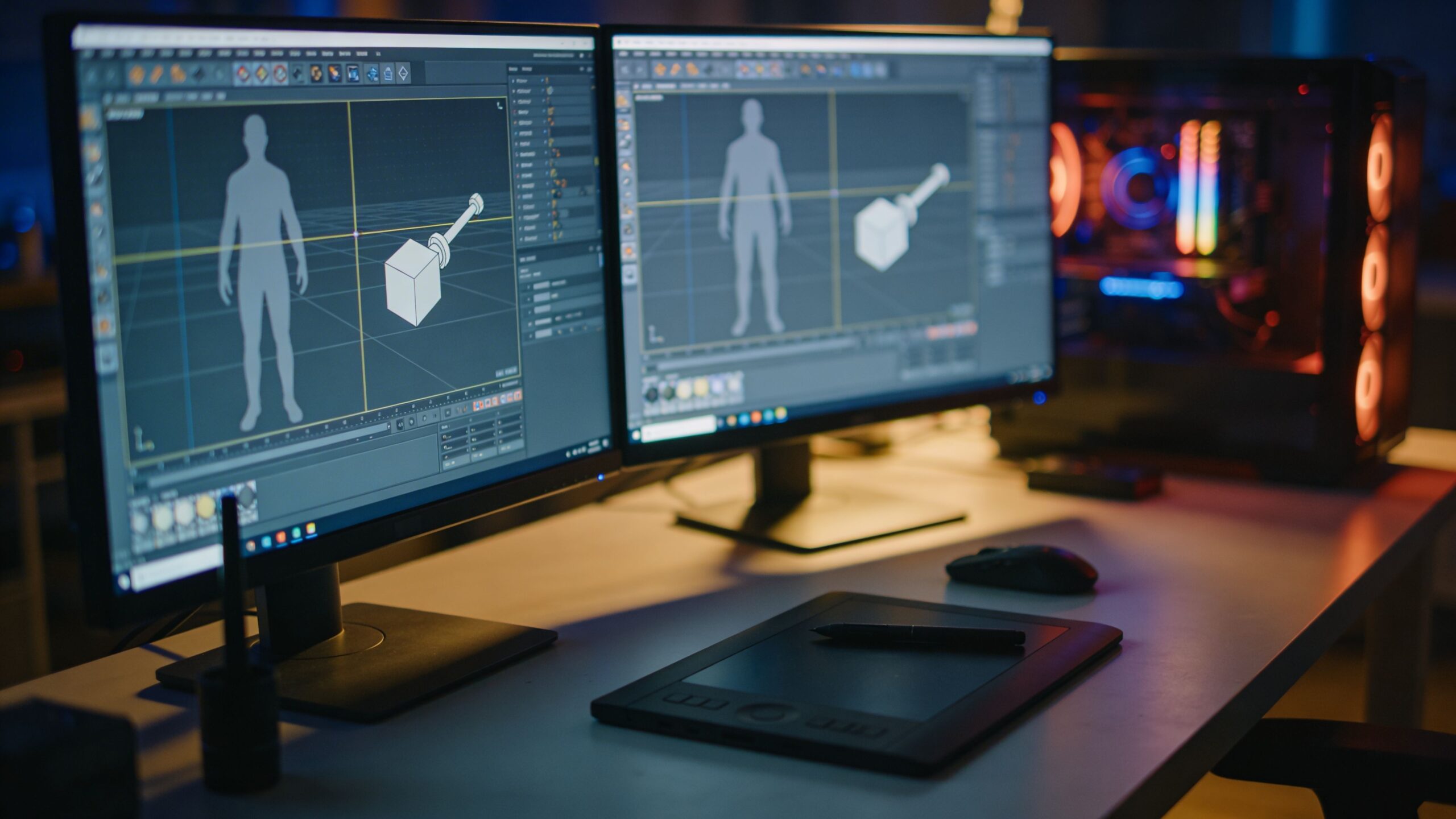
The Secret Behind Great Game Art Isn’t a Single Tool
Game development has a beautiful contradiction at its core: players want worlds that feel limitless, but your engine wants assets that behave. Every environment piece, character, weapon, vehicle, and collectible is a negotiation between visual ambition and technical reality. That’s why “best 3D modeling software for game development” isn’t a single winner—it’s a set of tools and workflows that help you create assets that look amazing, run efficiently, and integrate cleanly into your pipeline. In 2026-style workflows, game art is usually built with specialization in mind. One tool might be perfect for hard-surface props and clean topology. Another might be the gold standard for sculpting characters and high-detail surfaces. A third might handle procedural generation for environments and variations. Even indie teams often blend tools because each part of the pipeline has different demands: modeling, UVs, baking, texturing, rigging, and exporting into Unreal or Unity. This article walks through the major categories of modeling software used for game development, what makes each category valuable, and how to choose the right toolset for your project—whether you’re building a solo prototype or working in a studio pipeline.
A: Match the model, material, settings, and finish plan to the purpose of the print.
A: Bed leveling, surface cleanliness, nozzle height, temperature, and material condition are the usual suspects.
A: No. Slower speeds can improve detail, but heat buildup and profile balance still matter.
A: Use the right material, more walls, smart orientation, enough infill, and realistic load testing.
A: Temperature, retraction, travel moves, moisture, and material type all contribute.
A: Diagnose thin walls, unsupported features, tight fits, bad meshes, and weak load paths before buying parts.
A: Very important; it shows toolpaths, supports, layer changes, and possible weak spots before printing.
A: First layers, simple calibration prints, support cleanup, and basic material profiles.
A: Clean orientation, tuned settings, good material handling, and careful test fits, inserts, sanding, assembly, and revision notes.
A: It is most useful for makers designing parts that need to fit, move, or survive use.
What Game-Ready Modeling Requires
Game-ready modeling isn’t just “make a model and export it.” It’s building geometry with purpose. Your mesh needs clean shading, predictable UVs, and topology that supports animation or deformation when needed. It needs a triangle budget that fits the platform, and it needs to look great at the distance players actually see it. If you’re developing for mobile, you’re optimizing for battery and performance. If you’re targeting console or PC, you’re balancing fidelity with frame rate. If you’re building VR, you’re optimizing even harder because stable frame timing is non-negotiable.
Game-ready assets also require consistency. Scale must match your engine’s units. Pivots must make sense for placement and animation. Naming, scene organization, and export settings must be repeatable so your files don’t break when the project grows. The best 3D modeling software for game development is the one that helps you hit these constraints without killing creative momentum.
The best tools make “game-ready” feel natural. They support low-poly modeling, LOD creation, retopology, UV workflows, and export formats that engines accept cleanly. They also support the real-world truth of game art: you will iterate constantly, and your software should make revisions survivable.
Three Common Modeling Workflows in Games
Most game assets are created using one of three modeling approaches: direct low-poly modeling, high-to-low workflows, and procedural or modular building. Direct low-poly modeling is common for stylized games, mobile, and fast iteration, where the base mesh is the final mesh and detail comes from textures and smart shading. High-to-low workflows dominate realistic games: artists sculpt or model high detail first, then create a clean low-poly mesh and bake details into normal maps and other textures. Procedural and modular workflows focus on scale: you build systems and reusable pieces that assemble into large environments and variations efficiently.
The best modeling software depends on which workflow matches your game. If your project is stylized, you may care most about speed, clean shapes, and UV simplicity. If your project is realistic, you’ll care about sculpting, retopology, baking readiness, and surface detail management. If your project is open-world or content-heavy, procedural tools and modular workflows become a competitive edge.
The Versatile All-Rounder: Blender in Game Development
Blender has become one of the most popular choices for game development because it can cover an enormous portion of the pipeline in one package. It supports polygon modeling, sculpting, UV editing, retopology tools, and export workflows that fit common engine pipelines. For indie developers, Blender’s biggest advantage is momentum: you can model, refine, unwrap, and prep assets without constantly switching programs.
Blender is also a strong choice for teams that want flexibility. It can handle stylized and realistic workflows, and it has a large ecosystem of tutorials, plugins, and community knowledge. For game development, that learning ecosystem matters because the “best” software is the one you can master fast enough to ship.
Blender’s realism isn’t about hype. It’s about practical coverage: when you have one tool that can support an entire asset pipeline from concept to export, your iteration speed improves—and iteration speed is the hidden currency of game development.
Industry Staple for Studios: Maya for Game Pipelines
In many studio environments, Maya is a familiar hub because it integrates well with animation and rigging pipelines and offers strong modeling tools. For character-heavy games, pipelines often value software that connects cleanly to rigging and animation departments. Maya fits that reality, and its ecosystem is deeply embedded in professional production pipelines.
Maya’s modeling workflow is commonly used for clean topology work, character base meshes, and production-friendly asset creation. Even when sculpting happens elsewhere, the “clean mesh” stage often benefits from stable polygon tools and predictable scene organization. For large teams, consistency matters. When many people touch the same asset, reliability and standardized workflows become more important than any single feature. For a solo developer, Maya can be powerful but may be more than you need. For professional studio contexts, it’s often part of the standard language of production.
Fast Hard-Surface and Environment Work: 3ds Max
In some segments of game development, especially where environment and prop modeling speed matters, 3ds Max remains a favorite. Its modeling toolset and modifier-based workflow can be ideal for hard-surface assets, modular pieces, and rapid iteration. Many artists value the way it encourages a non-destructive mindset, where changes remain editable through the modifier stack. For games, environment work is often about volume: you need lots of objects, consistent styles, and repeated variations. A tool that supports fast iteration and predictable editing can be a major advantage. When you’re building a city block, a sci-fi corridor kit, or a set of modular dungeon pieces, speed and consistency become the difference between a world that feels big and a world that feels unfinished.
Character and Creature Detail: ZBrush as the Sculpting Powerhouse
When you want characters that feel alive—faces with personality, armor with history, creatures with believable anatomy—sculpting becomes the centerpiece of the workflow. ZBrush has long been a dominant sculpting tool because it supports extremely high detail and intuitive shaping. In game development, the sculpt is often the “truth” of the design. It holds the forms and detail that later get baked into textures for the in-engine asset.
The high-to-low workflow is where sculpting tools shine. You sculpt the high-resolution version, then retopologize into a low-poly mesh suitable for real-time rendering. You bake the high-detail surface into normal maps, curvature maps, and other texture outputs that preserve visual richness without heavy geometry. This approach is a major reason modern games can look so detailed while still running smoothly. Even stylized games often benefit from sculpting because it helps you find strong silhouettes and expressive forms quickly, then convert those shapes into clean, efficient geometry.
Procedural Scale and Variations: Houdini for Game Worlds
Procedural workflows have become increasingly important in games because they help teams scale content without modeling everything by hand. Houdini is often associated with effects, but it’s also used for procedural modeling, environment generation, and tool building for game pipelines. In practice, it can help create modular buildings, scatter rocks and foliage, generate variations of props, or build systems that output optimized meshes ready for engine use.
For game development, procedural tools aren’t just about “automation.” They’re about creative leverage. They let artists build rules that produce large worlds while remaining art-directable. If your game needs variety—different building shapes, terrain details, debris, or repeated environmental elements—procedural workflows can save enormous time and produce more consistent results.
Procedural modeling can also improve iteration speed. When your world changes, you update parameters instead of rebuilding from scratch. In a production environment where direction changes are inevitable, that flexibility is powerful.
CAD-Style Tools in Games: When Precision Matters
Not all game assets are organic or stylized. Many games feature believable machinery, vehicles, weapons, and industrial environments. In these cases, CAD-style modeling tools can play a role, especially when precision surfaces and consistent measurements are important. While CAD tools aren’t always the default in game pipelines, they can be useful for creating mechanically consistent base forms that are later adapted for real-time use.
The key is understanding the handoff. CAD models often need retopology and optimization to become game-ready. But when you want clean design intent—true circles, consistent bevels, and precise proportions—CAD-style workflows can be a valuable starting point.
What to Choose Based on Your Game Type
If you’re building a stylized game, your modeling priorities often center on silhouette, readability, and efficient geometry. A versatile polygon modeler with strong UV tools is usually the best fit. If you’re building a realistic game, the high-to-low workflow becomes more central, meaning you’ll likely pair a sculpting tool with a strong polygon modeling environment for cleanup, retopology, and export prep. If you’re building large environments or content-heavy worlds, procedural and modular workflows become increasingly valuable, especially as your asset count grows. For many indie developers, a practical “best” combination is a versatile modeler paired with a sculpting option, then a consistent workflow for exporting into Unreal or Unity. For studio environments, the tool choice often follows the pipeline: use what the team supports, and focus on becoming excellent at the workflow rather than chasing novelty.
The Game Development Details That Actually Decide Success
In practice, the “best software” debate matters less than the quality of your pipeline habits. Great game assets come from consistent scale, clean naming, reliable pivots, and UV discipline. They come from understanding how shading works in real-time engines and why smoothing groups, normals, and edge flow influence the final look. They come from respecting budgets and building LODs that keep performance stable.
The best software helps with these details, but you still need the mindset. Treat modeling as part of a system. Your asset isn’t finished when it looks good in your modeling program. It’s finished when it looks good in-engine, runs efficiently, and can be updated without breaking.
That’s why the best 3D modeling software for game development is the tool that supports your end-to-end process. It’s the tool that makes optimization, iteration, and export feel like natural steps—not painful chores.
A Simple “Engine-Ready” Quality Checklist
Even without heavy bullet lists, it helps to keep a mental checklist. Does the model have clean shading with no unexpected artifacts? Are UVs laid out with enough texel density and minimal distortion? Is the scale correct and consistent with the rest of the game? Is the pivot placed logically for placement and animation? Are there LODs if needed for performance? Does it export cleanly and import into your engine without surprises? If your modeling software helps you hit these answers quickly, it’s doing its job.
The Best Tool Is the One That Ships Your Game
Game development rewards momentum. The best 3D modeling software isn’t the one with the longest feature list—it’s the one that helps you build a reliable workflow, produce consistent assets, and iterate fast enough to finish. Whether you choose a versatile all-rounder, a studio pipeline staple, a sculpting powerhouse, or a procedural system builder, the real victory is the same: assets that look great, perform well, and integrate smoothly into your engine.
Pick the tools that match your game’s needs, commit to your workflow, and let your art pipeline become a strength instead of a bottleneck. That’s how game worlds get built—and how games get shipped.
Research-Backed Context
Software choice depends on what has to be modeled. Organic characters, mechanical brackets, architectural forms, game assets, scanned meshes, and production assemblies all need different strengths from CAD or modeling tools.
Practical Decision Checks
- Decide whether the work needs parametric dimensions, sculpting, mesh cleanup, assemblies, rendering, or animation.
- Check export quality, units, wall thickness tools, mesh repair, and slicer compatibility.
- Keep editable source files so the model can be revised after a test print.
- Use a small calibration print to verify scale and clearances before committing to a complex model.
FAQ
Is free 3D modeling software good enough?
Yes for many projects, but the right free tool depends on whether the work is mechanical CAD, sculpting, mesh editing, architecture, or game asset creation.
What matters most for 3D printing?
Units, scale, wall thickness, manifold geometry, clean exports, and editable dimensions matter more than visual polish alone.
When should professionals pay for software?
Paid tools make more sense when collaboration, assemblies, technical drawings, simulation, licensing, or production documentation saves time.
Sources and Further Reading
These references support the technical terms, material guidance, process limits, and decision criteria used in this article.


