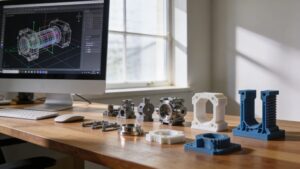
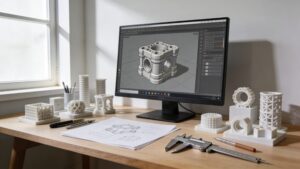
Welcome to CAD Design Tutorials, where ideas stop living in your head and start taking shape in clean lines, crisp curves, and printable geometry. This is the part of 3DPrinting Street where sketches grow up into real models, and every click teaches you something you can reuse forever. Whether you’re building a simple keychain, a snap-fit enclosure, or a fully parametric mechanism, CAD is the skill that turns “I wish” into “I made.” Here you’ll learn how to think like a designer and model like a maker, using practical workflows that translate directly to better prints, fewer failed prototypes, and faster iterations. We’ll explore fundamentals like constraints, dimensions, and reference planes, then level up into fillets, chamfers, lofts, patterns, assemblies, and design intent that survives revisions. Along the way, you’ll discover how to model for strength, tolerance, and clean surfaces, so your parts look professional and function right off the build plate. If you’re ready to design with confidence, you’re in exactly the right place.
A: Parametric CAD is ideal for functional parts; direct modeling is great for quick edits and concept shapes.
A: Plastic shrinks and extrusion rounds corners; design larger holes or calibrate and test tolerances.
A: Use flexible features, add lead-ins, avoid sharp corners, and prototype small test pieces first.
A: It depends on material and printer; start with a tolerance test to find your “sweet spot.”
A: For durability, inserts often win; for quick assemblies, printed threads can work with proper design.
A: Large flat areas shrink unevenly; redesign with ribs, relief cuts, or smaller footprints.
A: STL is common; 3MF can preserve units and settings better in many workflows.
A: Add alignment features, design in clearance, and account for layer direction and surface finish.
A: Pick one real project and iterate—each revision teaches more than a perfect first model.
A: Redesign overhangs, use chamfers/arches, and split models where seams are easy to hide.