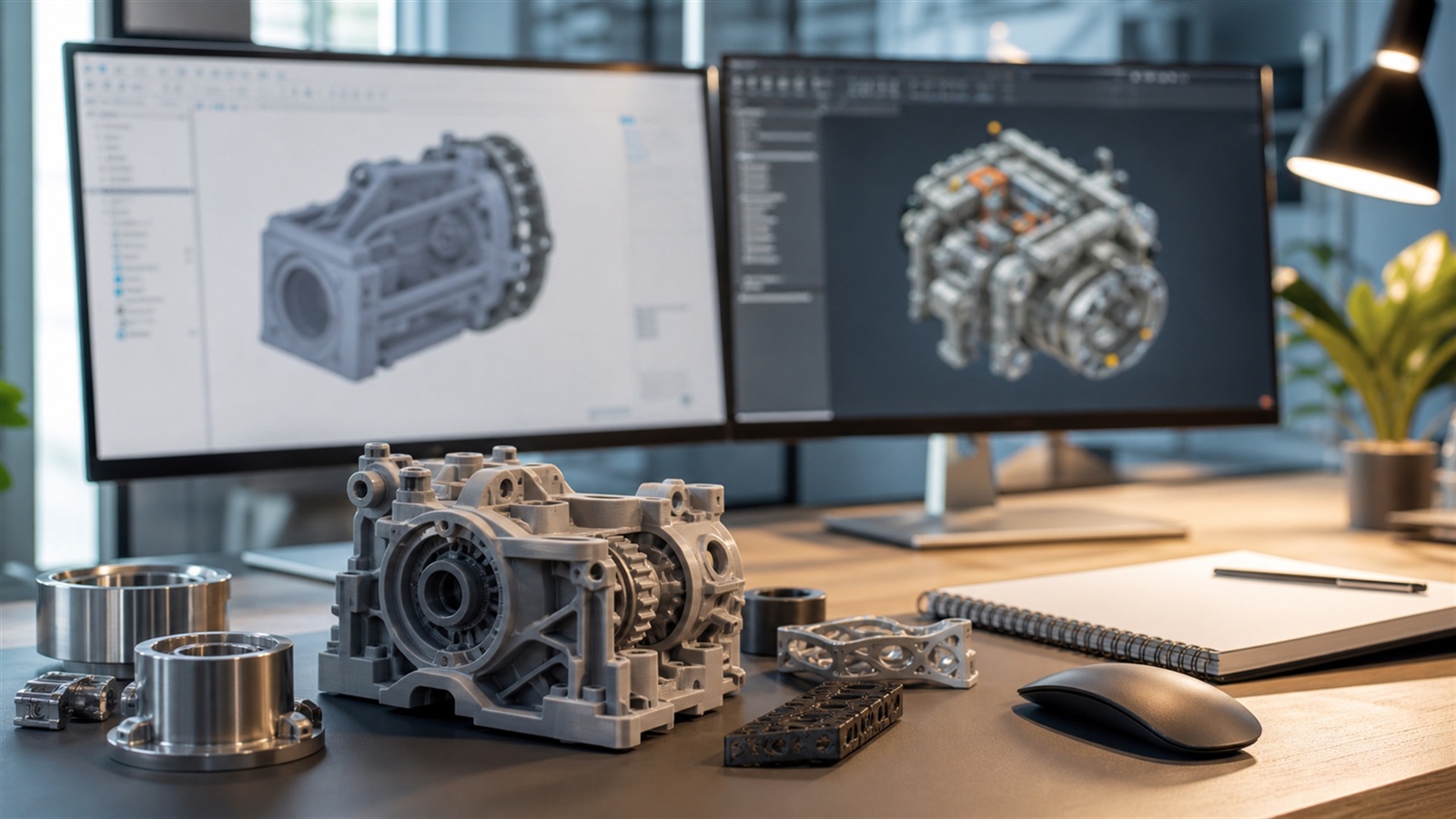
Product Design Software Has to Survive Real Decisions
Product design is not only about making a shape look good. The software must help a team control dimensions, revisions, assemblies, manufacturing choices, renderings, prototypes, drawings, and handoff files. For 3D printing, it also needs to export clean geometry and support design changes after physical testing.
A: Match the model, material, settings, and finish plan to the purpose of the print.
A: Bed leveling, surface cleanliness, nozzle height, temperature, and material condition are the usual suspects.
A: No. Slower speeds can improve detail, but heat buildup and profile balance still matter.
A: Use the right material, more walls, smart orientation, enough infill, and realistic load testing.
A: Temperature, retraction, travel moves, moisture, and material type all contribute.
A: Diagnose thin walls, unsupported features, tight fits, bad meshes, and weak load paths before buying parts.
A: Very important; it shows toolpaths, supports, layer changes, and possible weak spots before printing.
A: First layers, simple calibration prints, support cleanup, and basic material profiles.
A: Clean orientation, tuned settings, good material handling, and careful test fits, inserts, sanding, assembly, and revision notes.
A: It is most useful for makers designing parts that need to fit, move, or survive use.
Product Design Software Has to Survive Real Decisions
Product design is not only about making a shape look good. The software must help a team control dimensions, revisions, assemblies, manufacturing choices, renderings, prototypes, drawings, and handoff files. For 3D printing, it also needs to export clean geometry and support design changes after physical testing.
The best option depends on scale. A solo maker, startup, industrial design studio, engineering department, and manufacturing team all need different balances of price, collaboration, simulation, file control, and manufacturing integration.
Best All-Around Maker-to-Startup Choice: Autodesk Fusion
Autodesk Fusion is a strong choice for product design because it combines CAD, CAM, CAE, electronics, rendering, and additive manufacturing tools in one platform. That makes it practical for users who move from concept to prototype to shop workflow without constantly changing programs.
Fusion is especially useful for 3D printing because the design and manufacturing sides are close together. A user can model an enclosure, adjust clearances, prepare additive manufacturing output, and revise the file after testing. The tradeoff is that pricing, cloud behavior, and licensing terms should be checked before a business depends on it.
Best Cloud Collaboration Choice: Onshape
Onshape is built around cloud-native CAD, version control, and collaboration. For product teams, that can reduce file confusion and make review easier because multiple people can work from a shared model history rather than exchanging disconnected files.
It is a strong fit for distributed teams, startups, education, and companies that care about version control and browser access. It may not be the right fit for every proprietary workflow, so teams should evaluate account terms and data policies carefully.
Best Free Mechanical Option: FreeCAD
FreeCAD gives makers and small teams a free open-source parametric modeling path. It is well suited to brackets, jigs, adapters, fixtures, and products where dimensions need to remain editable. Its modular workbenches also support a wide range of technical workflows.
The weakness is polish and onboarding. FreeCAD can be powerful, but users may need more patience than with commercial tools. It is best for people who value open-source control and are willing to build skill over time.
Best Professional Mechanical Ecosystems
SolidWorks, Siemens NX, CATIA, Creo, and Inventor remain common in professional mechanical design because they support assemblies, drawings, PDM or PLM workflows, simulation, supplier handoff, and established manufacturing processes. They are often chosen because a company already has people, standards, and vendors built around them.
For 3D printing, these tools can produce accurate geometry, but the designer still has to apply additive manufacturing rules. A model made for machining may need orientation changes, wall revisions, fillets, lattice thinking, or support reduction before it becomes a good printed part.
Best Visual and Organic Pairing: Blender
Blender is not a traditional product CAD system, but it is useful when the product has organic surfaces, sculpted grips, packaging visuals, exploded animations, or marketing renders. It can also help prepare meshes and inspect printability through add-ons.
For precise product design, Blender works best as a companion to CAD. Use CAD for dimensions, mating features, and production references, then use Blender for sculpted surfaces, visualization, or mesh cleanup when needed.
Selection Checklist
Evaluate parametric history, assembly tools, drawing output, STL and 3MF export, collaboration, version control, simulation, rendering, pricing, licensing, and how easily the software fits your slicer workflow. Also test a real project before committing. A polished demo model does not reveal how the tool handles revisions.
For a small team, choose software that makes the next design change easy. Most product design work is revision work: moving holes, changing wall thickness, updating tolerances, testing materials, and recording what changed after a prototype fails.
FAQ
What is the best 3D modeling software for product design?
Autodesk Fusion and Onshape are strong modern choices, while SolidWorks and similar professional systems remain common in established engineering workflows.
Is Blender enough for product design?
Blender is useful for visual and organic modeling, but measured mechanical products usually need CAD tools with constraints, assemblies, and drawings.
What matters most for 3D printed product prototypes?
Editable dimensions, clean export, tolerance control, assembly planning, and quick revision after test prints matter more than appearance alone.