The Best Beginner Choice Depends on What You Want to Print
There is no single best 3D modeling program for every beginner. A toy, a phone stand, a replacement knob, a cosplay prop, and a mechanical bracket all need different modeling habits. The best first tool is the one that matches the shape of the project and helps the model reach the slicer without avoidable repair work.
A: Match the model, material, settings, and finish plan to the purpose of the print.
A: Bed leveling, surface cleanliness, nozzle height, temperature, and material condition are the usual suspects.
A: No. Slower speeds can improve detail, but heat buildup and profile balance still matter.
A: Use the right material, more walls, smart orientation, enough infill, and realistic load testing.
A: Temperature, retraction, travel moves, moisture, and material type all contribute.
A: Diagnose thin walls, unsupported features, tight fits, bad meshes, and weak load paths before buying parts.
A: Very important; it shows toolpaths, supports, layer changes, and possible weak spots before printing.
A: First layers, simple calibration prints, support cleanup, and basic material profiles.
A: Clean orientation, tuned settings, good material handling, and careful test fits, inserts, sanding, assembly, and revision notes.
A: It is most useful for makers designing parts that need to fit, move, or survive use.
The Best Beginner Choice Depends on What You Want to Print
There is no single best 3D modeling program for every beginner. A toy, a phone stand, a replacement knob, a cosplay prop, and a mechanical bracket all need different modeling habits. The best first tool is the one that matches the shape of the project and helps the model reach the slicer without avoidable repair work.
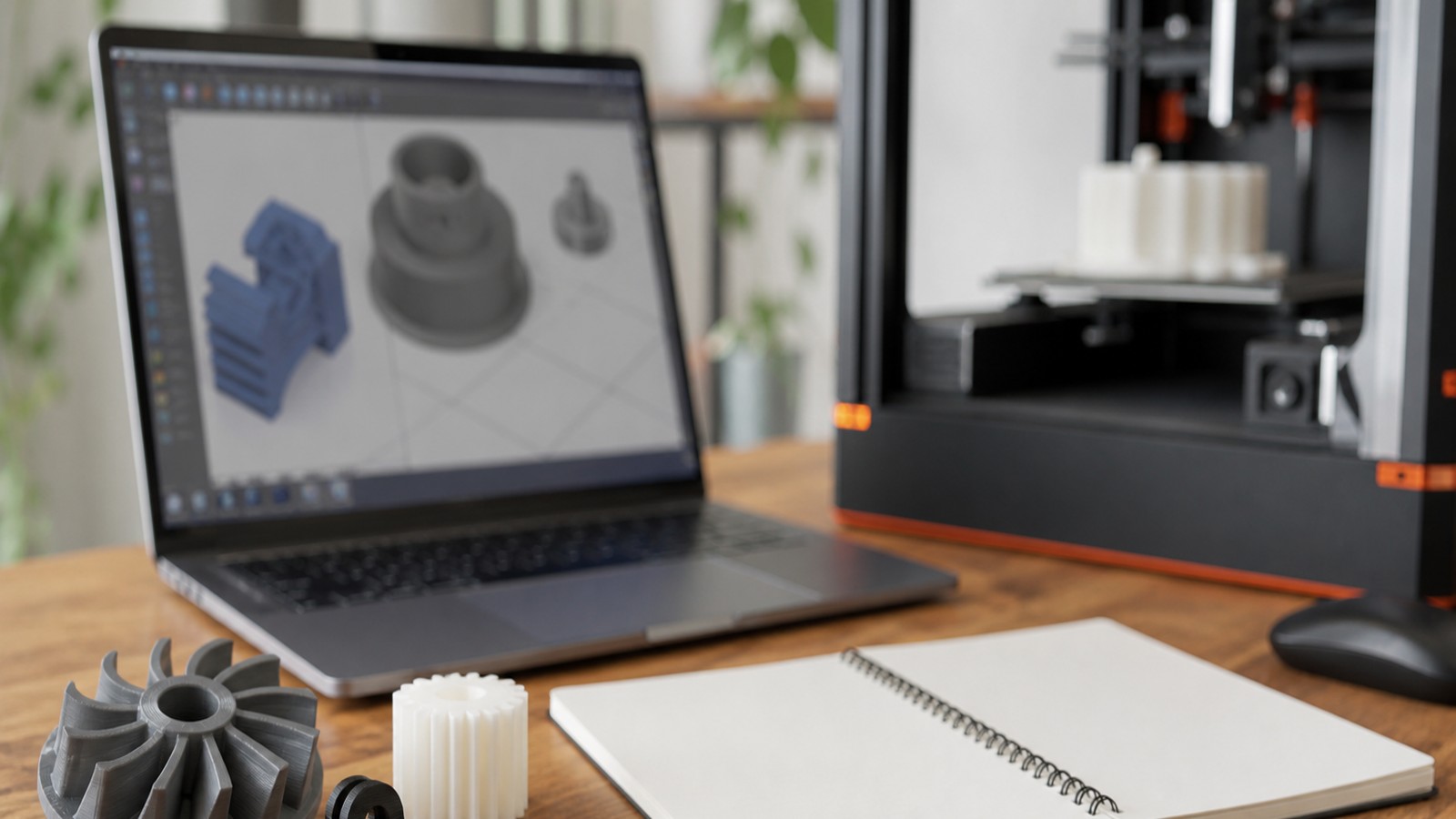
For 3D printing, beginners usually need one of three paths: simple solid modeling, mechanical CAD, or artistic sculpting. Simple solid modeling is best for quick learning. CAD is best for measured functional parts. Sculpting is best for characters, terrain, and organic shapes.
Tinkercad for Absolute Beginners
Tinkercad is a free web app for 3D design, electronics, and coding. It is the easiest starting point for many new makers because it teaches shape combination, alignment, grouping, holes, and basic export without forcing the user to understand a full CAD interface.
It is best for classroom projects, simple household objects, name tags, boxes, organizers, toys, and first printer experiments. Its limit is depth: once a design needs complex dimensions, version control, assemblies, or precise relationships, a stronger CAD tool becomes easier than fighting the simple interface.
Fusion, FreeCAD, and Onshape for Functional Parts
Autodesk Fusion, FreeCAD, and Onshape are better fits for functional printed parts. They use sketches, dimensions, constraints, extrusions, fillets, holes, and features that can be edited later. That parametric approach is helpful when a bracket must change from 42 mm to 45 mm without rebuilding the whole model.
Fusion is popular because it combines CAD, manufacturing, and simulation-style workflows in one platform. FreeCAD is open source and strong for users who value local files and parametric control. Onshape is cloud-native, browser-based CAD with collaboration and version management built into the workflow.
Blender for Organic Modeling
Blender is excellent for artistic modeling, sculpting, characters, props, miniatures, terrain, and visual design. It is powerful and free, but it thinks more like a digital content creation tool than a mechanical CAD package.
For 3D printing, Blender users need to watch scale, wall thickness, non-manifold geometry, overhangs, and mesh cleanup. It can make beautiful printable models, but it rewards patience and a habit of checking geometry before export.
A Practical Beginner Stack
A sensible beginner stack is Tinkercad for first objects, Fusion or FreeCAD for measured parts, and Blender when the project becomes sculptural. Users who want browser-based collaboration can add Onshape. Users who want architectural forms may add SketchUp later.
The goal is not to learn every program. The goal is to choose one tool for the kind of object in front of you, then export clean STL, 3MF, or STEP files that slice predictably.
FAQ
What is the easiest 3D modeling software for beginners?
Tinkercad is often the easiest first tool because it is free, browser-based, and based on simple shape operations.
Should beginners learn Blender or CAD first?
Learn CAD first for measured functional parts. Learn Blender first for characters, props, terrain, and organic shapes.
Is FreeCAD good for 3D printing?
Yes. FreeCAD is useful for parametric parts and real-world objects, though it has a steeper learning curve than Tinkercad.