Why Maintenance Matters
A 3D printer is a motion system, heater, material feeder, and software-controlled tool. Maintenance keeps those systems predictable. A clean, lubricated, calibrated printer wastes less filament and makes failures easier to diagnose.
A: Match the model, material, settings, and finish plan to the purpose of the print.
A: Bed leveling, surface cleanliness, nozzle height, temperature, and material condition are the usual suspects.
A: No. Slower speeds can improve detail, but heat buildup and profile balance still matter.
A: Use the right material, more walls, smart orientation, enough infill, and realistic load testing.
A: Temperature, retraction, travel moves, moisture, and material type all contribute.
A: Diagnose poor first layers, weak parts, stringing, warping, and rough surfaces before buying parts.
A: Very important; it shows toolpaths, supports, layer changes, and possible weak spots before printing.
A: First layers, simple calibration prints, support cleanup, and basic material profiles.
A: Clean orientation, tuned settings, good material handling, and careful support removal, sanding, painting, fitting, and practical testing.
A: It is most useful for makers who want cleaner prints and fewer wasted attempts.
Why Maintenance Matters
A 3D printer is a motion system, heater, material feeder, and software-controlled tool. Maintenance keeps those systems predictable. A clean, lubricated, calibrated printer wastes less filament and makes failures easier to diagnose.
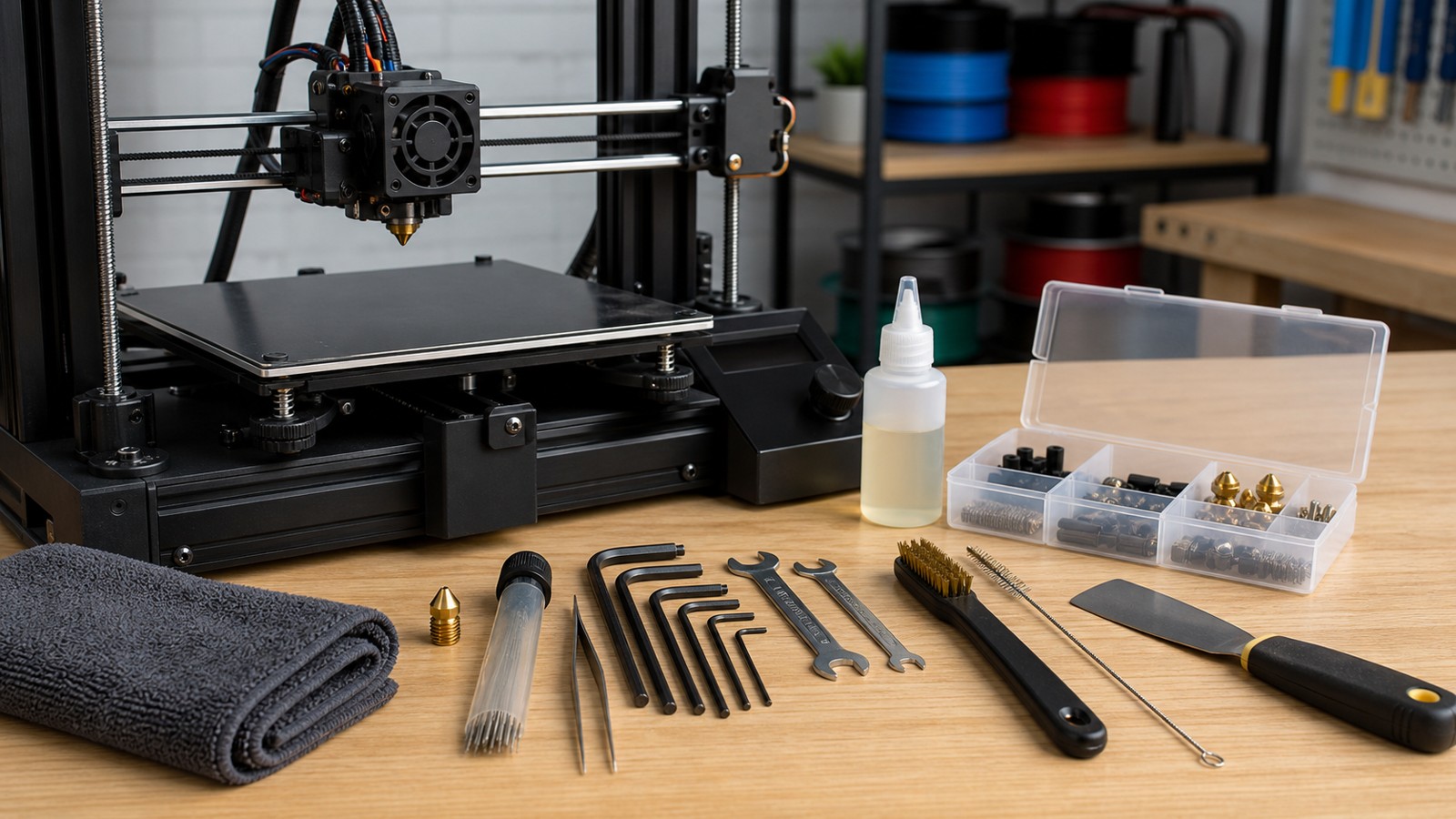
Maintenance does not have to be complicated. The useful habit is a regular checklist: clean debris, inspect wear, verify motion, check the nozzle, keep filament dry, and refresh calibration when parts change.
Before Every Print
Check that the build plate is clean, the nozzle is clear, the correct filament or resin is loaded, and the bed surface matches the material. Look for scraps near belts, rails, lead screws, fans, and the toolhead.
Watch the first layer. It should bond evenly without scraping or forming loose round lines. Catching a bad first layer early prevents long failed prints.
Weekly Checks
Wipe rods or rails according to the printer maker’s guidance, remove filament dust around the extruder, check fans, inspect belts, and clean the bed surface properly. If the printer uses a camera or sensor, make sure it is clean.
Listen for new noises. Clicking, grinding, squeaking, or skipping often reveals a developing problem before it ruins a print.
Monthly or Heavy-Use Maintenance
Inspect nozzle wear, belt tension, pulley screws, lead screws, cable strain, hotend buildup, and the extruder gear. Lubricate only the parts the manufacturer specifies, using the recommended lubricant.
Prusa maintenance guidance notes regular inspection even when the printer is working. That is the right mindset: maintenance prevents surprise failures rather than only reacting to them.
Material Care
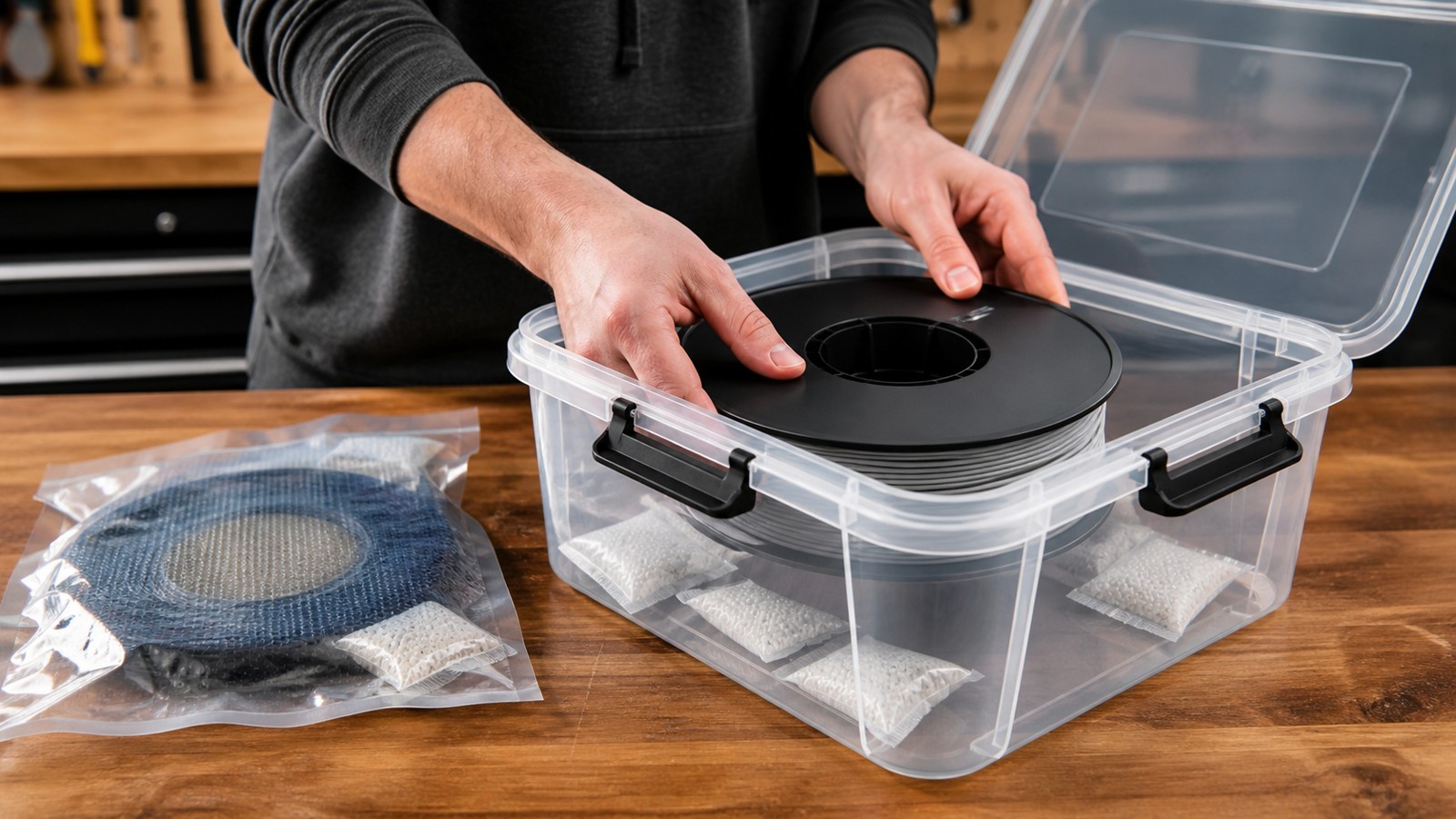
Keep filament dry and labeled. Nylon, TPU, PETG, and some composites can absorb moisture and print poorly. Resin needs closed storage, clean handling, and safe disposal. Powder systems need controlled storage and housekeeping.
Bad material can mimic printer problems. Before replacing parts, check whether the filament is wet, brittle, tangled, or outside its temperature range.
When to Recalibrate
Recalibrate after changing a nozzle, build plate, hotend, extruder, firmware, belt tension, or printer location. Also recalibrate if dimensions drift, first layers become inconsistent, or the printer starts failing jobs it used to complete.
A small calibration print is cheaper than discovering the issue on a ten-hour part.
FAQ
How often should I maintain a 3D printer?
Check basics before every print, clean regularly, and do deeper inspection monthly or after heavy use.
What maintenance prevents most failures?
Bed cleaning, first-layer checks, dry filament, nozzle inspection, and belt or motion checks prevent many failures.
Should I lubricate every moving part?
No. Lubricate only the parts and materials specified by the printer manufacturer.