How to Use This 3D Printing Terms Guide
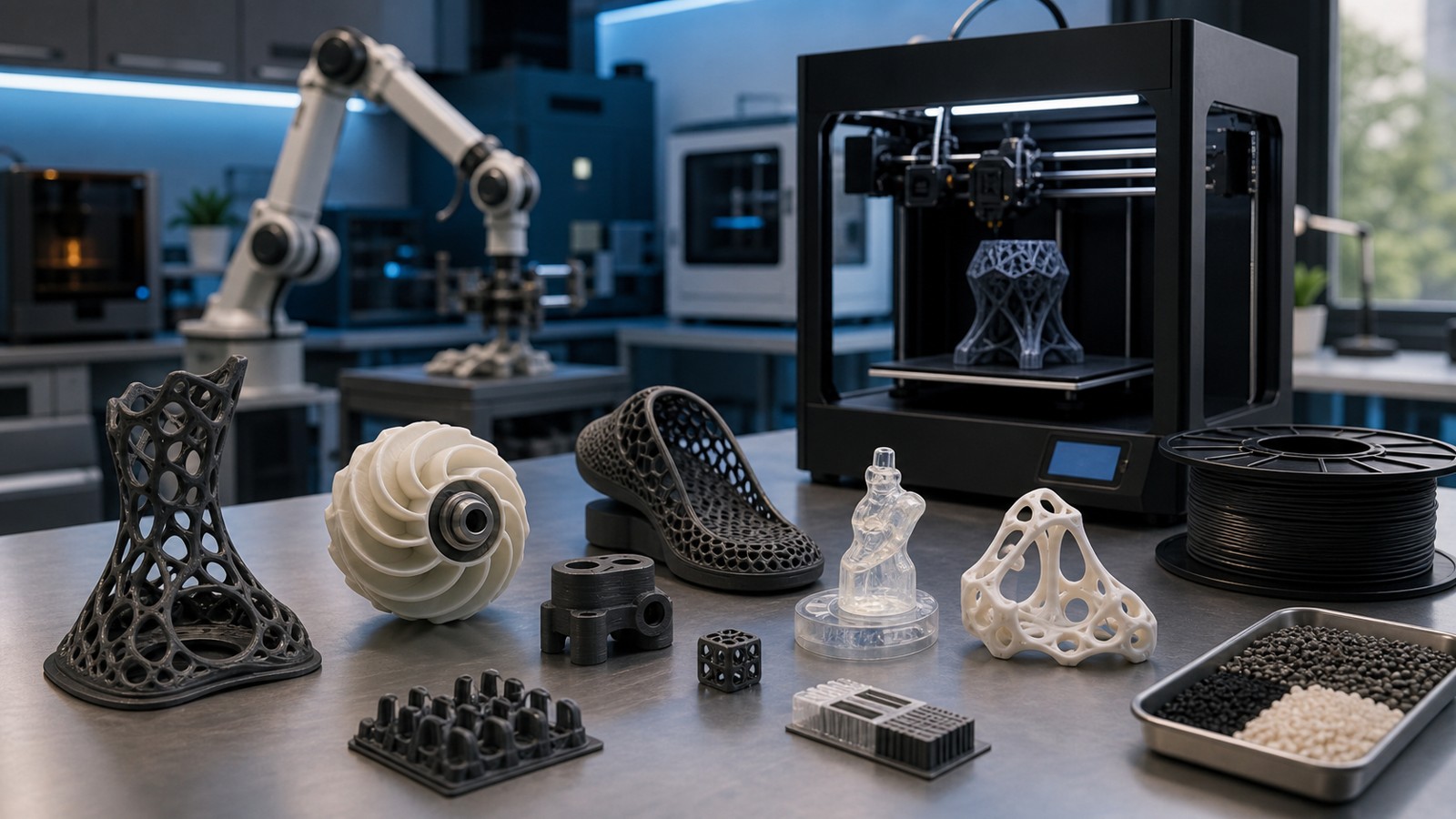
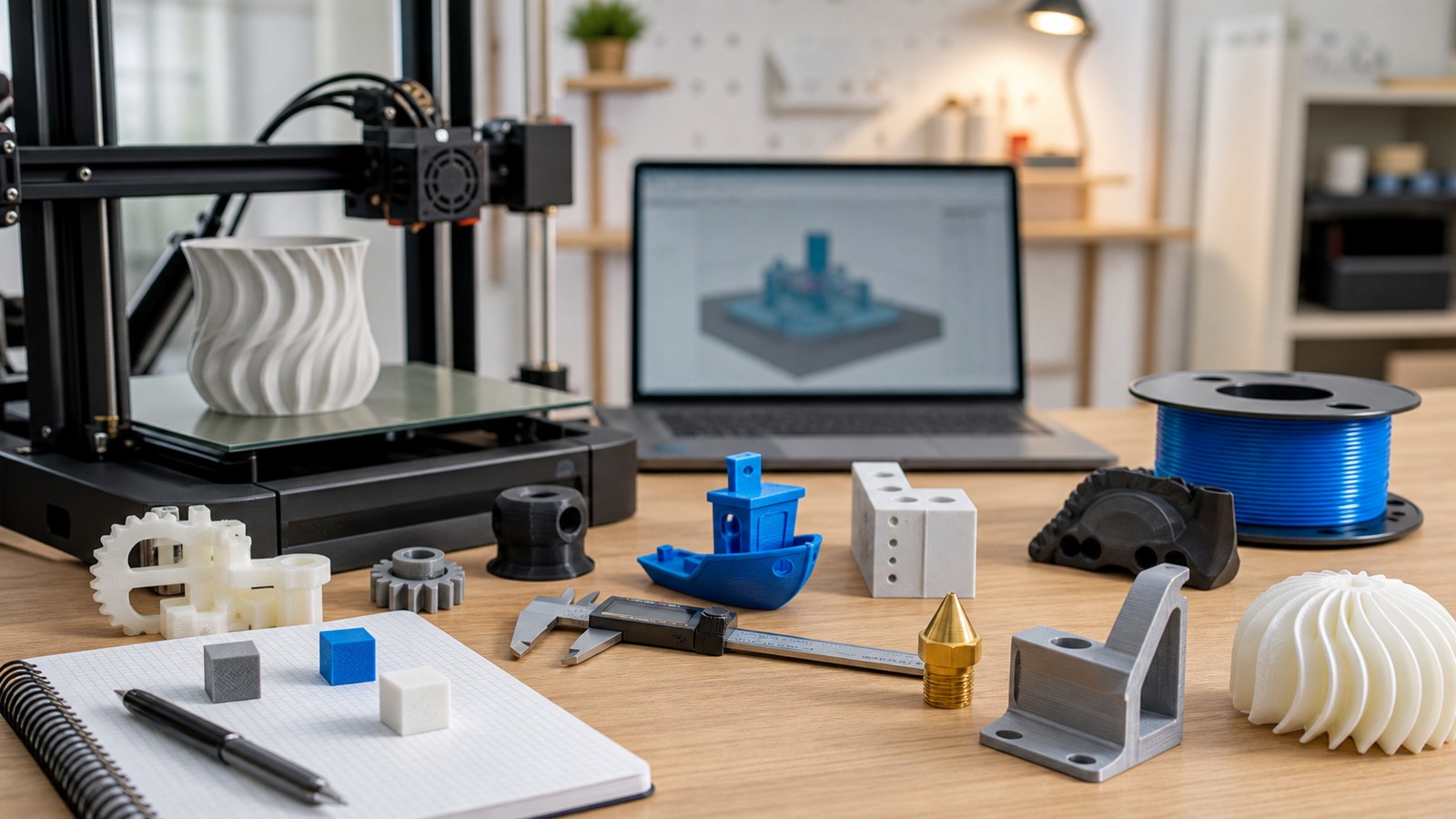
A glossary is most useful when the words connect to real print decisions. These 100 3D printing terms cover printer hardware, materials, slicer settings, quality problems, file preparation, and design for additive manufacturing.
A: Match the model, material, settings, and finish plan to the purpose of the print.
A: Bed leveling, surface cleanliness, nozzle height, temperature, and material condition are the usual suspects.
A: No. Slower speeds can improve detail, but heat buildup and profile balance still matter.
A: Use the right material, more walls, smart orientation, enough infill, and realistic load testing.
A: Temperature, retraction, travel moves, moisture, and material type all contribute.
A: Diagnose poor first layers, weak parts, stringing, warping, and rough surfaces before buying parts.
A: Very important; it shows toolpaths, supports, layer changes, and possible weak spots before printing.
A: First layers, simple calibration prints, support cleanup, and basic material profiles.
A: Clean orientation, tuned settings, good material handling, and careful support removal, sanding, painting, fitting, and practical testing.
A: It is most useful for makers who want cleaner prints and fewer wasted attempts.
How to Use This 3D Printing Terms Guide
A glossary is most useful when the words connect to real print decisions. These 100 3D printing terms cover printer hardware, materials, slicer settings, quality problems, file preparation, and design for additive manufacturing.
Beginners do not need to memorize every term before printing. Learn the words that explain the problem in front of you: first-layer adhesion for failed starts, retraction for stringing, wall count for strength, or mesh repair for files that will not slice cleanly.
Core Printer Terms
Key terms in this group include: additive manufacturing, FDM, FFF, SLA, MSLA, DLP, SLS, MJF, binder jetting, material extrusion, vat photopolymerization, powder bed fusion, build volume, build plate, gantry, extruder, hotend, nozzle, Bowden extruder, direct drive, resin vat, laser, LCD mask, recoater, powder bed.
These terms matter because they appear in printer menus, slicer profiles, material data, troubleshooting guides, and design instructions. Knowing them makes it easier to follow a tutorial and easier to describe a failed print clearly.
Material Terms
Key terms in this group include: PLA, PETG, ABS, ASA, TPU, nylon, PA12, PA11, resin, photopolymer, filament, powder, composite filament, carbon-fiber-filled filament, support material, soluble support, moisture absorption, drying, glass transition temperature, heat deflection, shore hardness, tensile strength, elongation, brittleness.
These terms matter because they appear in printer menus, slicer profiles, material data, troubleshooting guides, and design instructions. Knowing them makes it easier to follow a tutorial and easier to describe a failed print clearly.
Slicer Terms
Key terms in this group include: slicer, G-code, profile, layer height, line width, wall count, perimeter, shell, top layers, bottom layers, infill, gyroid, grid infill, brim, raft, skirt, support blocker, support interface, retraction, travel move, seam, Z-hop, flow rate, extrusion multiplier, pressure advance, input shaping.
These terms matter because they appear in printer menus, slicer profiles, material data, troubleshooting guides, and design instructions. Knowing them makes it easier to follow a tutorial and easier to describe a failed print clearly.
Quality Terms
Key terms in this group include: bed adhesion, first layer, warping, stringing, bridging, overhang, elephant’s foot, ringing, ghosting, layer shift, under-extrusion, over-extrusion, clog, nozzle wear, wet filament, pillowing, blobs, zits, delamination, tolerance, dimensional accuracy, calibration cube, temperature tower.
These terms matter because they appear in printer menus, slicer profiles, material data, troubleshooting guides, and design instructions. Knowing them makes it easier to follow a tutorial and easier to describe a failed print clearly.
Design and File Terms
Key terms in this group include: STL, OBJ, 3MF, mesh, manifold, non-manifold edge, normals, watertight model, wall thickness, clearance, support angle, orientation, chamfer, fillet, boss, snap fit, insert, lattice, topology optimization, DfAM, CAD, sculpting, boolean, decimation, mesh repair.
These terms matter because they appear in printer menus, slicer profiles, material data, troubleshooting guides, and design instructions. Knowing them makes it easier to follow a tutorial and easier to describe a failed print clearly.
Practical Learning Order
Start with hardware terms such as nozzle, bed, extruder, hotend, and build volume. Then learn material terms such as PLA, PETG, resin, nylon, and TPU. After that, focus on slicer terms such as layer height, infill, supports, brim, retraction, and temperature.
Once prints become more ambitious, learn design and file terms such as STL, 3MF, manifold mesh, wall thickness, clearance, fillet, and DfAM. Those words turn 3D printing from button-pushing into controlled making.
FAQ
What 3D printing terms matter most for beginners?
Nozzle, bed adhesion, layer height, infill, supports, filament, slicer, STL, wall thickness, and retraction are among the most useful early terms.
What is the difference between FDM and SLA?
FDM extrudes melted filament, while SLA and related resin processes cure liquid photopolymer with light.
What does DfAM mean?
DfAM means design for additive manufacturing: designing a part around the strengths and limits of 3D printing.