What CAD Means for 3D Printing
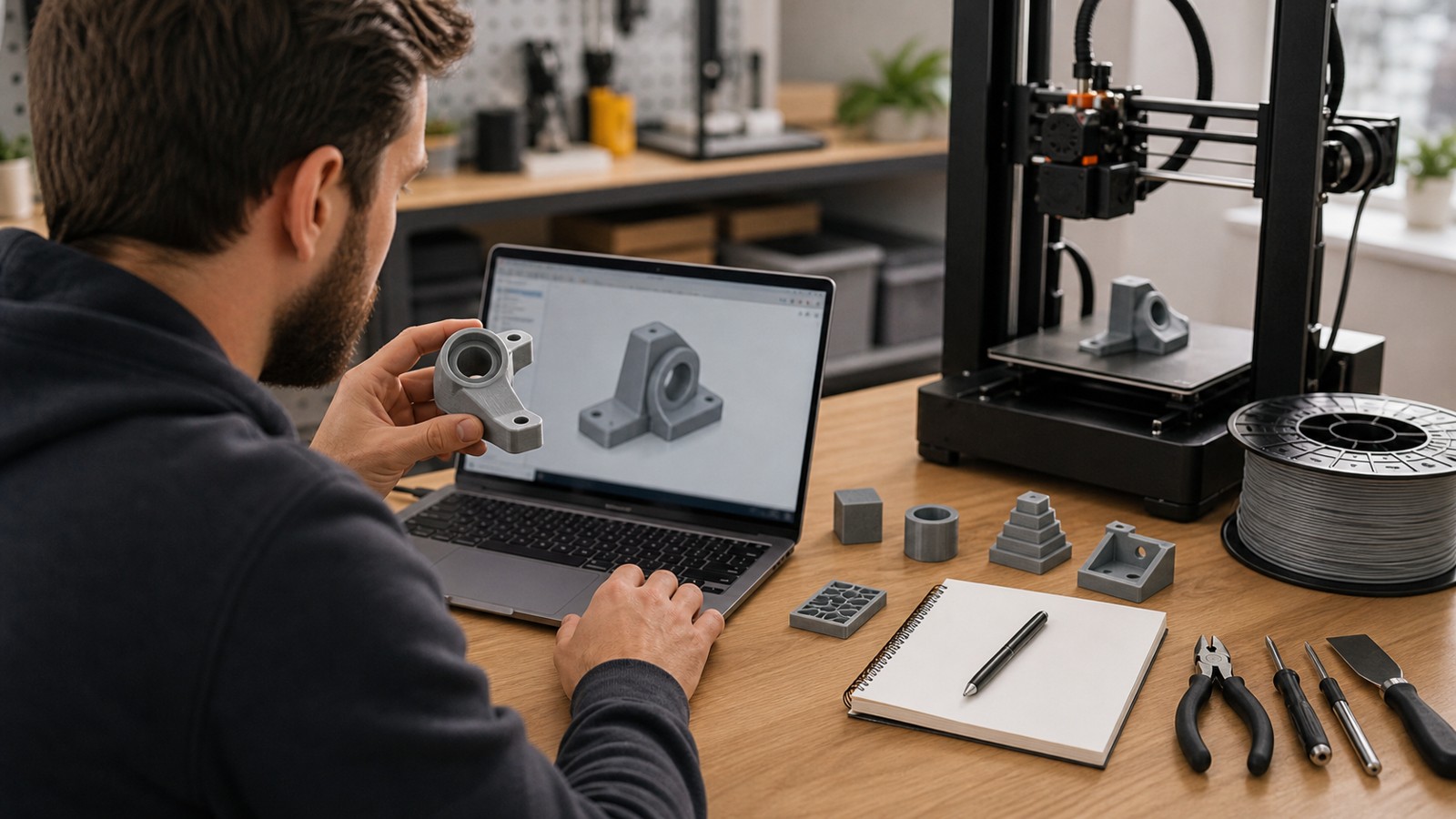
CAD stands for computer-aided design. In 3D printing, CAD usually means designing a precise digital part before exporting it to a slicer. CAD is different from sculpting because it is built around dimensions, constraints, features, and relationships between shapes.
A: Match the model, material, settings, and finish plan to the purpose of the print.
A: Bed leveling, surface cleanliness, nozzle height, temperature, and material condition are the usual suspects.
A: No. Slower speeds can improve detail, but heat buildup and profile balance still matter.
A: Use the right material, more walls, smart orientation, enough infill, and realistic load testing.
A: Temperature, retraction, travel moves, moisture, and material type all contribute.
A: Diagnose thin walls, unsupported features, tight fits, bad meshes, and weak load paths before buying parts.
A: Very important; it shows toolpaths, supports, layer changes, and possible weak spots before printing.
A: First layers, simple calibration prints, support cleanup, and basic material profiles.
A: Clean orientation, tuned settings, good material handling, and careful test fits, inserts, sanding, assembly, and revision notes.
A: It is most useful for makers designing parts that need to fit, move, or survive use.
What CAD Means for 3D Printing
CAD stands for computer-aided design. In 3D printing, CAD usually means designing a precise digital part before exporting it to a slicer. CAD is different from sculpting because it is built around dimensions, constraints, features, and relationships between shapes.
CAD is best for objects that need to fit, fasten, align, move, or repeat. A hinge, bracket, enclosure, jig, adapter, and replacement knob are CAD problems before they are printing problems.
Sketches, Constraints, and Features
Most parametric CAD starts with a sketch. The sketch uses lines, circles, arcs, dimensions, and constraints. Then features such as extrude, revolve, sweep, loft, fillet, chamfer, shell, hole, and pattern turn the sketch into a 3D part.
The power of CAD is editability. If a slot needs to move or a wall needs to thicken, a well-built model can update from its dimensions instead of being rebuilt by hand.
Tolerances and Clearances
Printed parts are not perfect copies of CAD dimensions. Nozzle size, resin exposure, material shrinkage, cooling, printer calibration, and slicer settings all affect fit. CAD for printing has to include clearances for sliding, snapping, screwing, and assembly.
A common beginner mistake is modeling a peg and hole at the exact same diameter. Real parts need space. The right clearance depends on printer type, material, orientation, and how tight the fit should be.
Design for the Printing Process
CAD models should respect the printing process. FDM parts need attention to layer direction, overhangs, bridging, bed adhesion, and anisotropic strength. Resin parts need drainage, supports, wall thickness, and curing behavior. Powder processes have their own spacing and escape requirements.
Good CAD is not only a perfect digital shape. It is a manufacturable shape for the machine that will make it.
From CAD to Slicer
When the CAD model is ready, export to STL, 3MF, or sometimes STEP depending on the next tool. STL turns the model into triangles, while STEP preserves editable solid geometry for other CAD tools. Many slicers accept STL and 3MF directly.
Always review the sliced preview. CAD can look correct while the slicer reveals thin walls, unsupported islands, reversed normals, or details too small to print.
FAQ
Do I need CAD for 3D printing?
You need CAD if you want to design functional, measured, or fitted parts. You can download existing models without learning CAD, but custom parts usually require it.
What CAD software is good for beginners?
Tinkercad is easiest for first projects. Fusion, FreeCAD, and Onshape are stronger for parametric parts.
What is the difference between CAD and Blender?
CAD is dimension-driven and best for precise parts. Blender is mesh and art oriented, making it strong for organic shapes and visual models.