Most Beginner Mistakes Are Workflow Mistakes
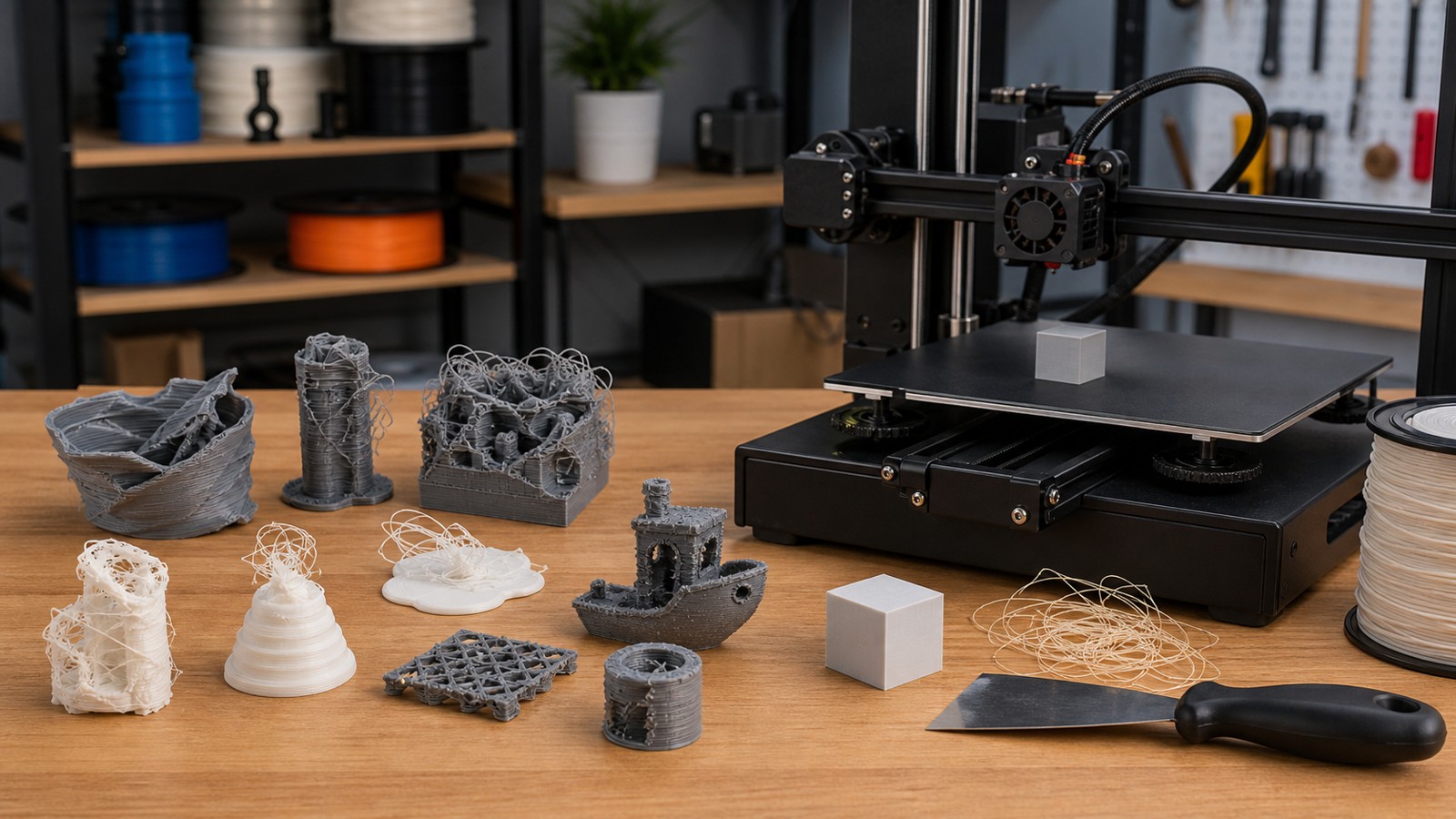
Beginner 3D printing mistakes usually come from skipping setup, trusting files blindly, changing too many slicer values, or using the wrong material for the part. The good news is that these mistakes are easy to avoid once they become visible.
A: Match the model, material, settings, and finish plan to the purpose of the print.
A: Bed leveling, surface cleanliness, nozzle height, temperature, and material condition are the usual suspects.
A: No. Slower speeds can improve detail, but heat buildup and profile balance still matter.
A: Use the right material, more walls, smart orientation, enough infill, and realistic load testing.
A: Temperature, retraction, travel moves, moisture, and material type all contribute.
A: Diagnose poor first layers, weak parts, stringing, warping, and rough surfaces before buying parts.
A: Very important; it shows toolpaths, supports, layer changes, and possible weak spots before printing.
A: First layers, simple calibration prints, support cleanup, and basic material profiles.
A: Clean orientation, tuned settings, good material handling, and careful support removal, sanding, painting, fitting, and practical testing.
A: It is most useful for makers who want cleaner prints and fewer wasted attempts.
Most Beginner Mistakes Are Workflow Mistakes
Beginner 3D printing mistakes usually come from skipping setup, trusting files blindly, changing too many slicer values, or using the wrong material for the part. The good news is that these mistakes are easy to avoid once they become visible.
A better workflow is simple: inspect the model, preview the slice, prepare the material, check the first layer, and write down what changed.
Setup Mistakes
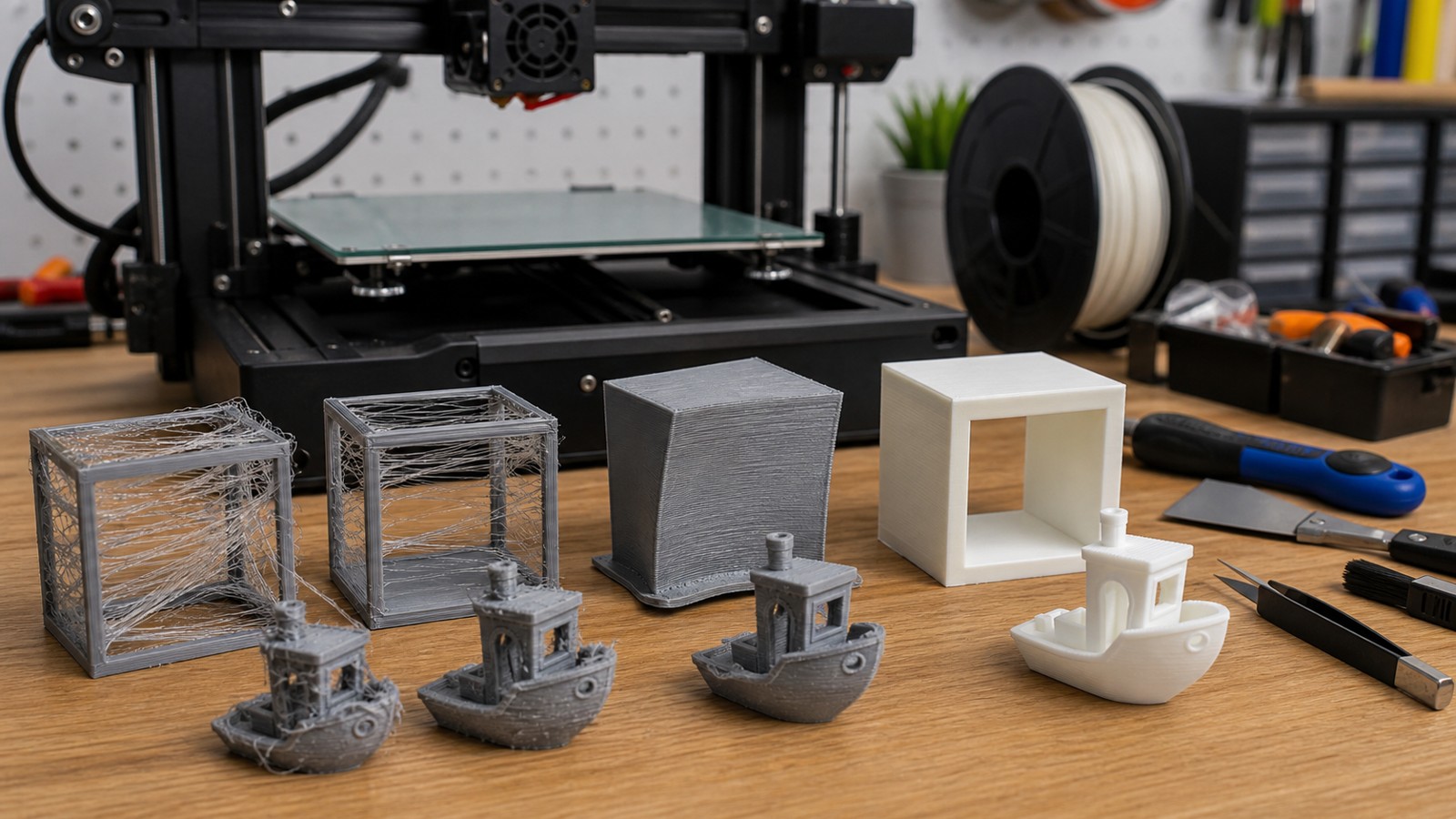
Common setup mistakes include ignoring bed cleanliness, guessing Z offset, loading damp filament, printing with the wrong nozzle size selected, and starting with an untested slicer profile. These errors create failures that look mysterious but are actually basic calibration issues.
Run a small first-layer test and calibration print when changing printers, nozzles, beds, or materials. It is faster than ruining a long print.
Slicer Mistakes
Beginners often use too little wall count, too much infill, supports in the wrong places, excessive speed, and layer heights that do not match the nozzle. More infill is not the universal answer to strength.
Use slower outer walls for visible quality, enough top layers for smooth surfaces, practical retraction for stringing, and material-specific temperatures rather than random numbers.
Design Mistakes
Thin walls, sharp loaded corners, zero-clearance joints, tiny pins, unsupported overhangs, and wrong units are common design mistakes. A model can be beautiful and still be hard to print.
Add fillets, test clearances, thicken fragile features, and orient the part around strength and surface quality. Print a small test section when a feature is risky.
Material Mistakes
Using PLA for a hot car part, PETG without stringing control, ABS without an enclosure, wet nylon, or resin without safe cleanup can all cause preventable trouble. Material choice is a performance decision.
Match the material to heat, load, flexibility, outdoor exposure, detail, and safety requirements. Dry hygroscopic materials and read the supplier guidance.
Quality-Control Mistakes
Many beginners remove a part and call it done without checking fit, layer bonding, support scars, or weak features. Functional parts need inspection. A bracket that fits once may fail after repeated use if the design is underbuilt.
Measure critical dimensions, test moving parts, and keep notes. That habit turns failures into useful data.
FAQ
What mistake do beginners make most often?
Skipping first-layer setup and slicer preview causes many early failures.
Is high infill the best way to make prints strong?
No. Orientation, wall count, material, fillets, and layer bonding often matter more.
How can beginners avoid wasted prints?
Use small tests, change one setting at a time, preview the slice, and record what worked.